
Net2 - Hands free keycard

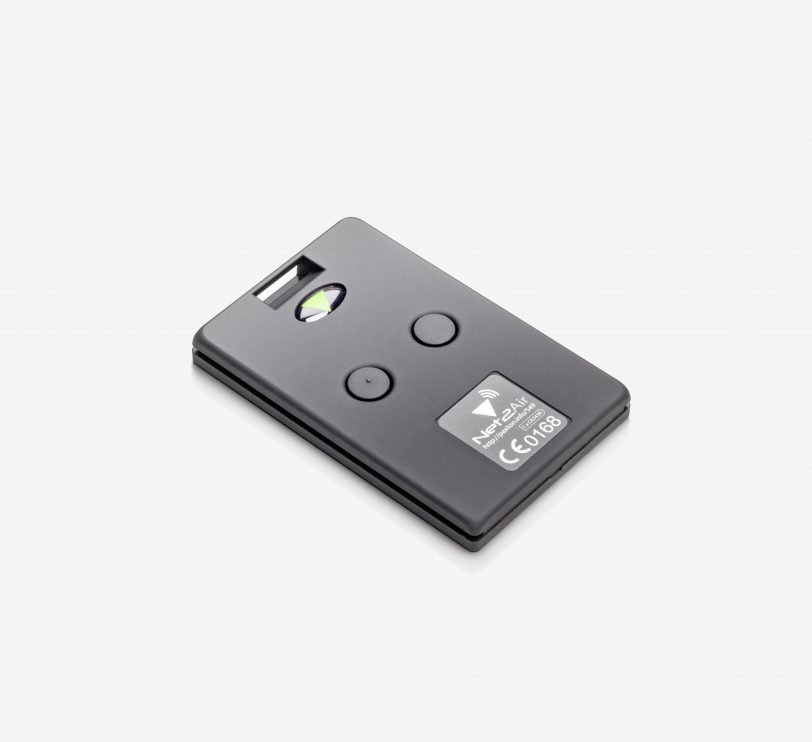
- Read range from 0.85 to 2.5 m
- Active transponders with replaceable batteries
- Compatible with P and KP series readers equipped with a hands-free interface. Also for use with a long-range reader
- Up to 5 m read range with a long-range reader
- Works as a standard passive transponder with non-hands-free readers
- Uses wireless technology (Wireless)
Product information "Net2 - Hands free keycard"
Info - "Hands-free access control" means that the transponder for personal identification can be read in a pocket or handbag without having to take it out. This is particularly useful for gates, barriers and loading doors as well as for situations where disabled or elderly people need access. Handsfree key fobs in combination with the Handsfree interface achieve this by utilising unique wireless technology.
Installation - Handsfree transponders can also be used with all PROXIMITY readers, although the long range is only achieved with P and KP series readers equipped with a handsfree interface.
Operation - Handsfree transponders can be used in active and passive mode. They offer a range of 0.85 to 2.5 m for readers with the hands-free interface. They can be used in passive mode with all other proximity readers from Paxton Access. Transponders are registered with the desktop reader in the Net2 system.
-
Download "Installation tips"
(2.38 MB)
Handsfree - How does it work?
Manufacturer information
Paxton Deutschland GmbH
Paxton Deutschland GmbH
Westhoffstr. 128
D–48159 Münster
Germany
verkauf@paxton-gmbh.de
| Compatibility: | Paxton Net2 |
|---|---|
| Reading method: | Paxton Proximity |
Login
Similar products
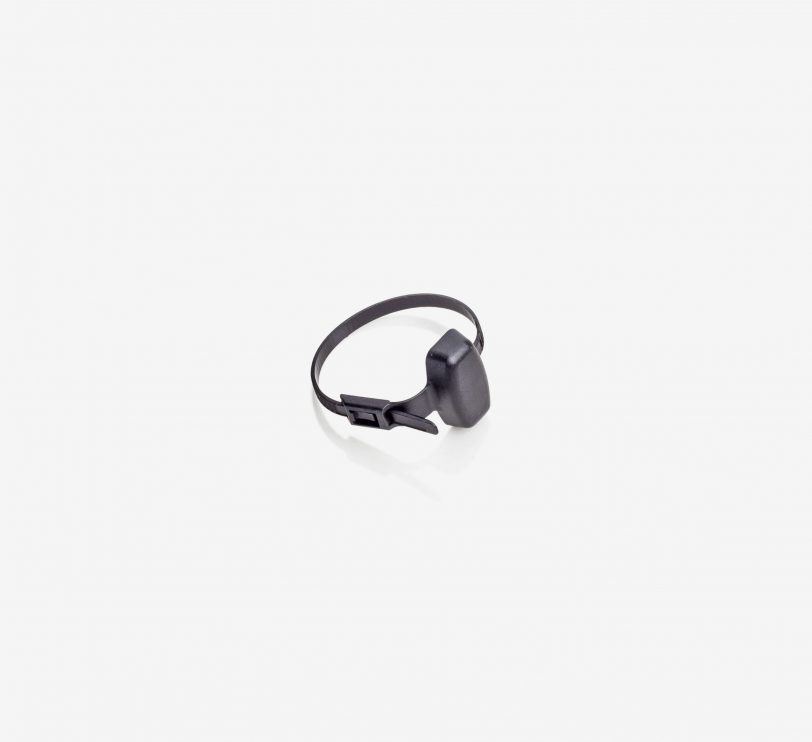
Info - PROXIMITY transponders and CARDLOCK magnetic cards are used with Net2. The transponders and magnetic cards are supplied in sets of 10.We now also have self-adhesive discs that turn any card into a PROXIMITY card - very cost-effective.Installation - When transponders and cards are issued to users, the user file is processed. The transponder or card number is read in via the optional desktop reader or entered manually.Operation - Once programmed in the software, the transponder is ready for use. Simply apply the transponder to the reader, the access authorisation is determined and access is granted or denied. Paxton transponders use Hitag2 technology with proprietary encryption, which includes an authentication protocol in the form of a password exchange between the token and the reader. This provides an additional layer of security for your system.
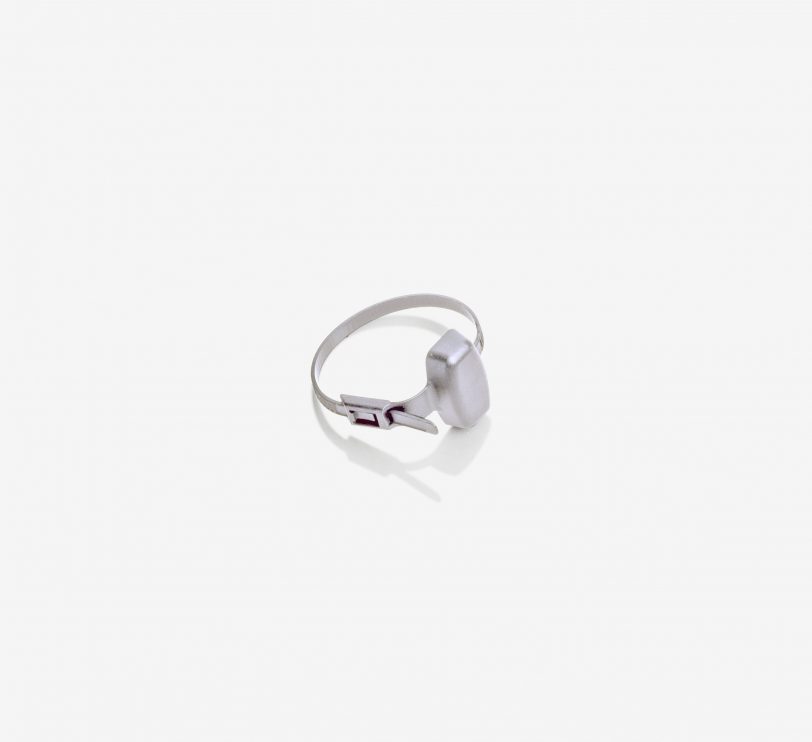
Info - PROXIMITY transponders and CARDLOCK magnetic cards are used with Net2. The transponders and magnetic cards are supplied in sets of 10.We now also have self-adhesive discs that turn any card into a PROXIMITY card - very cost-effective.Installation - When transponders and cards are issued to users, the user file is processed. The transponder or card number is read in via the optional desktop reader or entered manually.Operation - Once programmed in the software, the transponder is ready for use. Simply apply the transponder to the reader, the access authorisation is determined and access is granted or denied. Paxton transponders use Hitag2 technology with proprietary encryption, which includes an authentication protocol in the form of a password exchange between the token and the reader. This provides an additional layer of security for your system.
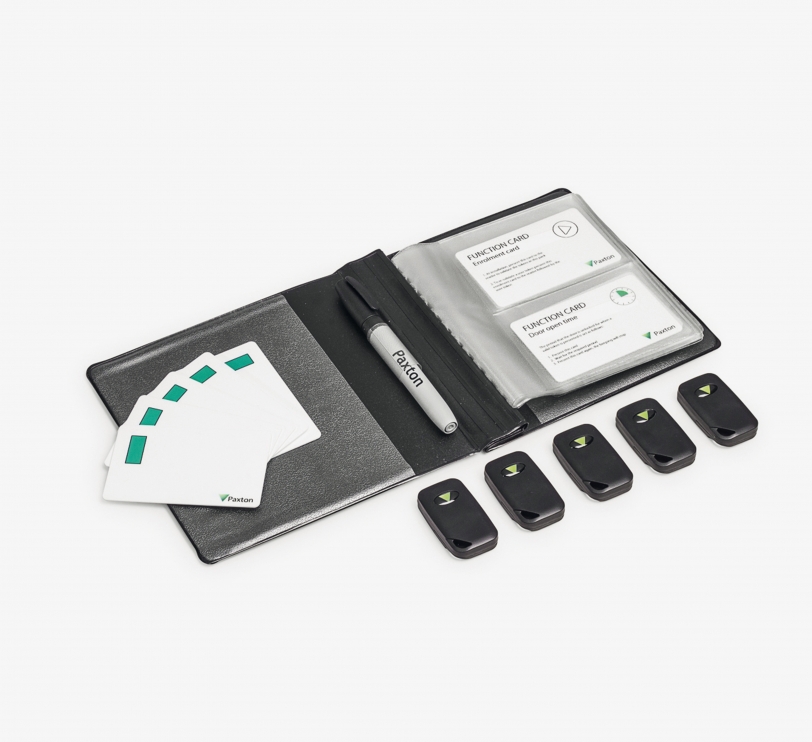
Info - The term "hands-free access control" means that the transponder can be read from a pocket or handbag to identify the person. It is not necessary to hold the transponder in your hand. This system is particularly suitable for doors used by disabled or elderly people. The hands-free transponders, together with the hands-free interface, achieve this through the use of unique radio technology. The keycards work like hands-free transponders, but have an additional function. When a button on the card is pressed, its reading range is briefly extended to typically 5 metres (maximum 50 metres). Installation - The hands-free transponders work with all PROXIMITY readers in the same way as conventional transponders. When P-series readers and KP-series readers with keypads are equipped with a hands-free interface, they achieve the long "hands-free" ranges. During system installation, the first transponder set is added by applying the group start card from the set. Subsequent sets are added by applying the original group start card followed by the group start card from the new set. The Handfree keycard is also suitable for longer ranges. A reading range of typically 5 metres (maximum 50 metres) can be achieved by pressing a button. Operation - The transponders are supplied in card folders. Each transponder, whether handsfree key fob or handsfree keycard, is packaged together with the corresponding delete card. Once the system has been commissioned, all user cards are valid and can be issued. When issuing the transponder, take the transponder out of the card folder and write the name of the person on the corresponding delete card. The person can now use the transponder to gain access. This process is repeated for all persons. If a transponder is to be blocked, take the corresponding delete card from the card folder and present it to the relevant readers in the building. The transponder is then invalid. The handsfree key fobs and keycards work in active and passive mode. They have a range of between 0.85 and 2.5 metres for all readers equipped with a hands-free interface and up to 5.0 metres for the long-range reader. In passive mode they work with all other Paxton Access proximity readers.
Info - Proximity MIFARE® Transponder for use with Net2 and Paxton10 readers or third-party readers that use MIFARE technology.Cards available in sets of 10 and 500. Key fobs available in sets of 10.MIFARE is a registered trademark of NXP B.V. based in the Netherlands and is used under licence.Installation - When transponders are issued, the user data is processed via the software. When the card is presented to the desktop reader, the unique card number is read into Net2/Paxton10.Operation - Once programmed in the software, the transponder is ready for use. Simply use the transponder on the reader, the access authorisation is determined and access is granted or denied.
Info - Proximity MIFARE® Transponder for use with Net2 and Paxton10 readers or third-party readers that use MIFARE technology.Cards available in sets of 10 and 500. Key fobs available in sets of 10.MIFARE is a registered trademark of NXP B.V. based in the Netherlands and is used under licence.Installation - When transponders are issued, the user data is processed via the software. When the card is presented to the desktop reader, the unique card number is read into Net2/Paxton10.Operation - Once programmed in the software, the transponder is ready for use. Simply use the transponder on the reader, the access authorisation is determined and access is granted or denied.
Info - Proximity MIFARE® Transponder for use with Net2 readers or third-party readers that use MIFARE technology.Cards available in sets of 10 and 500. Key fobs available in sets of 10.MIFARE is a registered trademark of NXP B.V. based in the Netherlands and is used under licence.Installation - When transponders are issued, the user data is processed via the PC software. When the card is presented to the desktop reader, the unique card number is read into Net2.Operation - Once programmed in the software, the transponder is ready for use. Simply use the transponder on the reader, the access authorisation is determined and access is granted or denied.
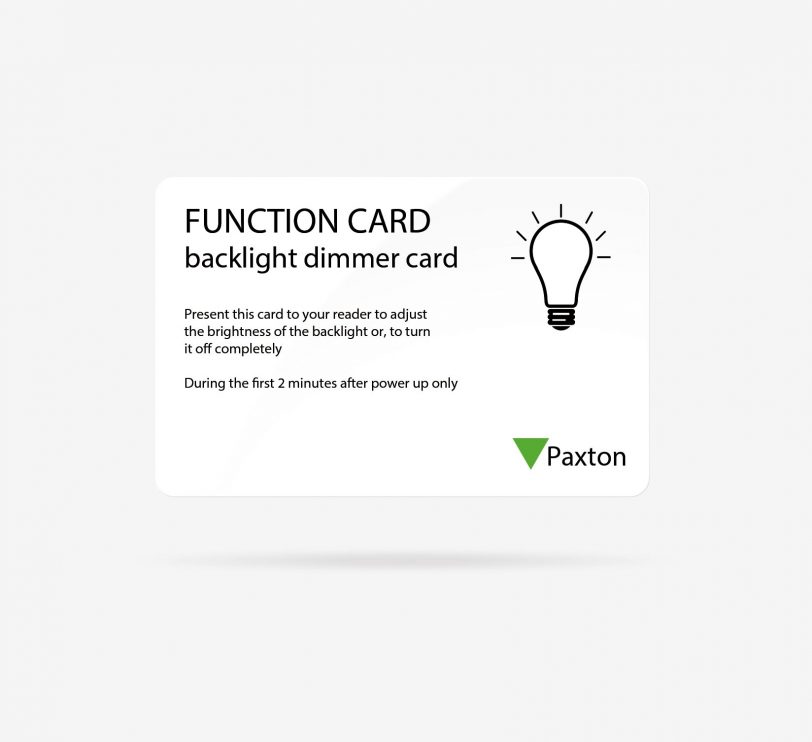
Info - Since the release of our 2nd generation Paxton readers with Genuine HID Technology™, it has been possible to reduce interference for users by adjusting the volume of the reader and the brightness of the LED via the Net2 function cards. Two function cards are available: the Net2 card for silent operation and the Net2 LED dimmer card.
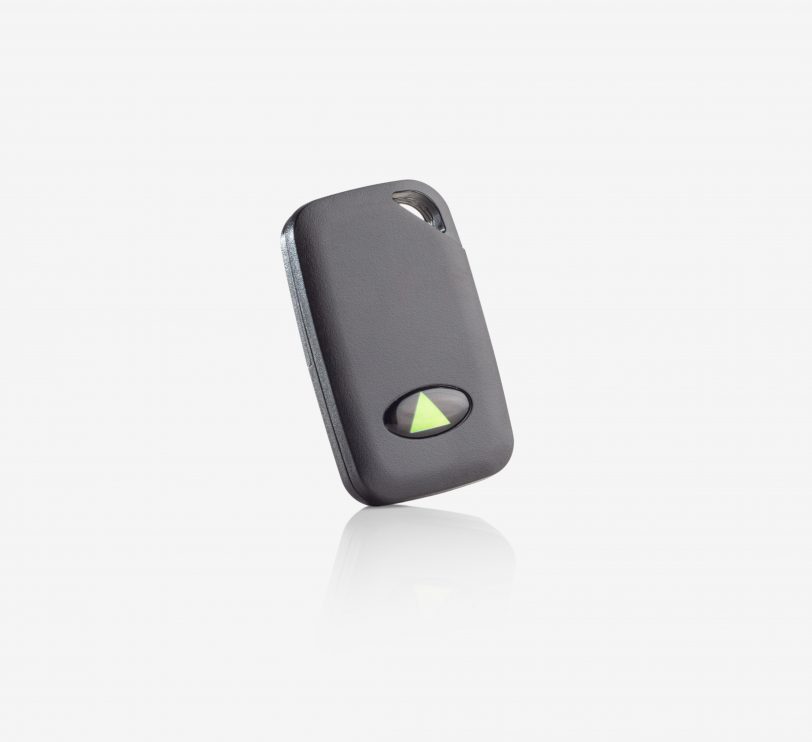
Info - "Hands-free access control" means that the transponder for personal identification can be read in a pocket or handbag without having to take it out. This is particularly useful for gates, barriers and loading doors, as well as for situations where disabled or elderly people need access. Handsfree key fobs in combination with the Handsfree interface achieve this by utilising unique wireless technology.Installation - Handsfree transponders can also be used with all PROXIMITY readers, although the long range is only achieved with P and KP series readers equipped with a handsfree interface.Operation - Handsfree transponders can be used in active and passive mode. They offer a range of 0.85 to 2.5 m for readers with the hands-free interface. They can be used in passive mode with all other proximity readers from Paxton Access. Transponders are registered with the desktop reader in the Net2 system.

Info - PROXIMITY transponders and CARDLOCK magnetic cards are used with Net2. The transponders and magnetic cards are supplied in sets of 10.We now also have self-adhesive discs that turn any card into a PROXIMITY card - very cost-effective.Installation - When transponders and cards are issued to users, the user file is processed. The transponder or card number is read in via the optional desktop reader or entered manually.Operation - Once programmed in the software, the transponder is ready for use. Simply apply the transponder to the reader, the access authorisation is determined and access is granted or denied. Paxton transponders use Hitag2 technology with proprietary encryption, which includes an authentication protocol in the form of a password exchange between the token and the reader. This provides an additional layer of security for your system.

Info - PROXIMITY transponders and CARDLOCK magnetic cards are used with Net2. The transponders and magnetic cards are supplied in sets of 10.We now also have self-adhesive discs that turn any card into a PROXIMITY card - very cost-effective.Installation - When transponders and cards are issued to users, the user file is processed. The transponder or card number is read in via the optional desktop reader or entered manually.Operation - Once programmed in the software, the transponder is ready for use. Simply apply the transponder to the reader, the access authorisation is determined and access is granted or denied. Paxton transponders use Hitag2 technology with proprietary encryption, which includes an authentication protocol in the form of a password exchange between the token and the reader. This provides an additional layer of security for your system.
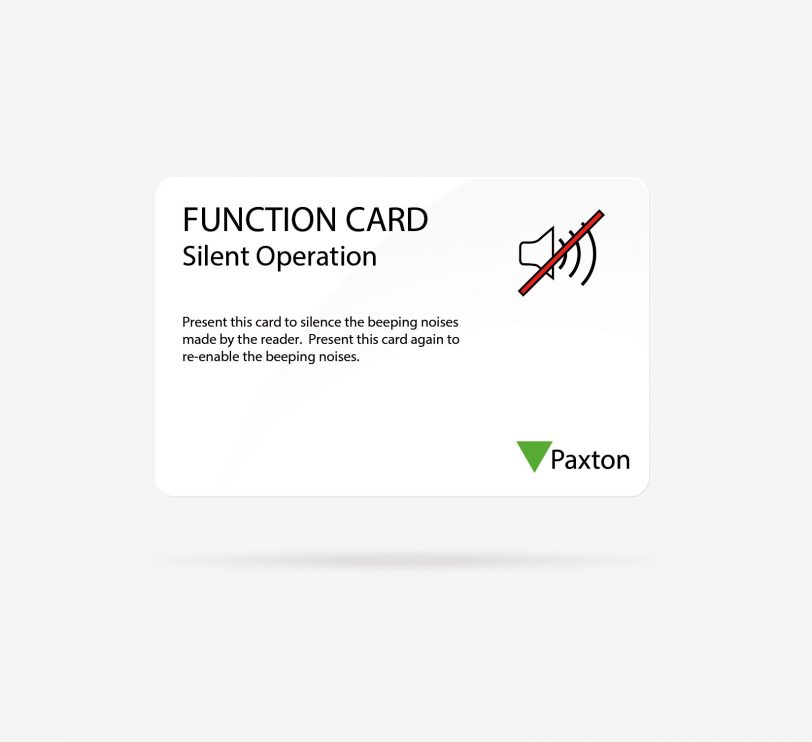
Info - Since the release of our 2nd generation Paxton readers with Genuine HID Technology™, it has been possible to reduce interference for users by adjusting the volume of the reader and the brightness of the LED via the Net2 function cards. Two function cards are available: the Net2 card for silent operation and the Net2 LED dimmer card.
About - For use with HID™-enabled Paxton readers.Only one Wiegand activation card needs to be purchased to switch Wiegand functionality on and off. When HID Wiegand is activated, Hitag2 Paxton and EM transponders can no longer be read by the reader. If you deactivate HID Wiegand again, Paxton and EM transponders are accepted again.Operation - To switch between Wiegand and Clock/Data interface, present the activation card within two minutes of disconnecting and reconnecting the reader. The reader's LEDs indicate a green LED for the Wiegand output and a red LED for the Clock/Data output.Further information can be found in APN-1153 - D - Net2 - Wiegand activation .Please note: The Wiegand output is not supported by desktop readers, PaxLock and Entry devices.
Customers also bought

Info - "Hands-free access control" means that the transponder used for personal identification can be read from a pocket or handbag. You do not need to hold it in your hand. This is particularly useful for gates and barriers and to make access easier for disabled or elderly people. The hands-free interface in combination with hands-free transponders achieves this by utilising its radio technology from Paxton Access. Installation - Any P-Series reader or KP-Series reader with keypad can be set up for Handsfree operation by installing the Handsfree Interface. The interface requires no power supply and is wired serially between the reader and the door control centre. The interface should be installed as close as possible to the reader, although it can be a maximum of 15 metres away from it. Operation - Once the interface has been installed, 'handsfree' transponders have a range of 0.85 to 2.5 metres. The reader can continue to read normal proximity transponders as usual. If the long reading range causes problems (e.g. unintended opening when people walk past the door), an entry confirmation button can be installed. This can be any button with a closing contact. The door is only released after the button is pressed.
About - The Net2 software is designed for operation on a PC with Windows operating systems. A complete list of compatible operating systems for Net2 can be foundat here. It manages and documents up to 50,000 users and 1,000 doors. There are two versions of the software: Net2 Lite, free and ideal for the majority of sites, and Net2 Pro, with additional features for flexible and advanced access control.Net2 Lite includes all the features required for access control, access rights management and user documentation. Additional features include unlimited free client logins, CCTV, basic functions for the integration of intruder alarm systems and location graphics.Net2 Pro has all the features of Net2 Lite software with advanced time and attendance and timeline features, integrating time management, fire and intruder alarms with multiple alarm zones. Security locking, dual use control and card designer are useful enhancements.Net2 site management made easy with Paxton Connect Adminpaxton Connect Admin, offers simple and flexible site management for Net2 system engineers and Net2 operators. Our new app includes five features in one smart interface, allowing you and your customers to manage multiple sites from one smartphone.Installation - Setup and configuration are straightforward. The simple installation wizard guides you through the setup process. The control units are identified and named according to their serial number, with which each unit is labelled. Control units can also be given meaningful names. Each control unit is configured by the Net2 software as required.Operation - Net2 operators must be added. These are users who are authorised to manage the software. There are different authorisation levels to restrict access to certain functions. Each operator must log in to the software with a user name and password. This is logged as an event.The software is intuitive to use and even the most complex functions can be carried out easily and without training. After about two hours, you will be familiar with the operation of the software.
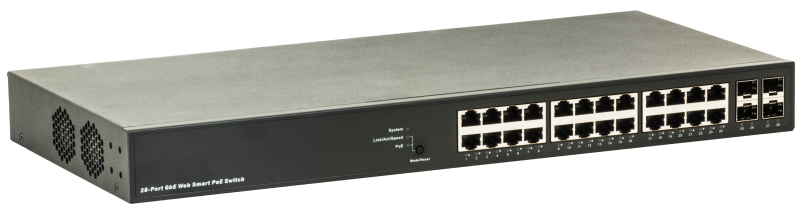
This layer-2 switch was specially developed for applications with high data loads, such as video over IP, video streaming and in conjunction with multicast. The PoE allows IP cameras to be powered via the data cable. With the extensive management options , even complex network requirements can be fulfilled. Special features for access control Active monitoring of the componentsComponents powered by the switch via PoE are constantly monitored. In the event of a failure, the switch automatically restarts the controller . If this is not successful, the switch sends an alarm message via SNMP. Active monitoring of the PoE supplyIf, for example, too much power is required from the switch due to a defective camera, the switch sends an alarm via SNMP. Active management of the PoE powerWhen the switch is started up, the individual PoE ports can be started up with a time delay to prevent the PoE power supply unit from being overloaded. Further video-friendly featuresExtra high backplane performance for smooth video transmission with full port utilisation. Jumbo frames up to 9600 bytes are supported even at 100 Mbit/s. Port security through MAC address restriction. Further information Special featuresPoE:PoE per port adjustable PoE per port can be switched on at different times PoE per port.Switching on and off via time table adjustable Link status check, reboot if PoE sinks do not respond DMS DMS (Data Management System)The switch has an integrated network monitoring and control system, which gives the user a good overview of the entire network in a very simple way. This DMS system has the following features: Graphical network overviewThe network topology view allows a quick overview of all switches and end devices in the network, such as IP cameras or servers, with details of the IP address, device type and designation. Plans and maps can be stored as background images , allowing the user to quickly access specific network devices even without knowledge of the IP structure. Device searchThis function makes it possible to access a specific device even in larger networks. Newly added devices, such as a replaced IP camera, are displayed immediately, and allows the user to access them immediately without knowing the IP address. Data traffic displayThe data traffic can be graphically displayed per port via a time axis. Error handling and securityNetwork diagnostics between master switch and connected end devices. Protection mechanisms such as data rate limitation allow effective protection against unauthorised access. With IEEE802.3ah and IEEE802.1ag, tools are available for structuring networks. Technical specifications General properties Supply voltage 100-240VAC, 50-60Hz Power consumption Max. 40W (without PoE) / 450W (with PoE) MTBF 25°C: 352'063h 50°C: 129'960h Operating temperature 0°C to 40°C Dimensions 442 x 211 x 44mm (WxDxH) Interfaces Copper ports 24 x 10/100/1000TX, RJ45, 24 of which with PoE+ 802.3af/at Maximum PoE power across all ports: 370W Fibre optic ports 4 x 100/1000SFP We recommend the use of our barox SFPs. We do not test or guarantee the compatibility of our devices with SFPs from other manufacturers. Console port RS232, RJ45 Network Features Backplane 56Gbit/s MAC table 8k Configuration Console, Web GUI, SNMPv1, v2c and v3 (USM) PoE management Port settings Port disable/enable. Auto-negotiation 10/100/1000Mbps. Flow Control disable/enable. Data rate control on each port. Max. Framesize, Power Control Port status display Display per port: speed link status, flow control status. Auto negotiation status, trunk status. VLAN VLAN based on: 802.1Q Tagged, Port, Protocol, IP subnet, Private (PVE), MAC Max. 4k VLANs Q-in-Q (double tag) private VLAN Voice VLAN GARP VLAN registration protocol (option) Link aggregation IEEE 802.3ad LACP Static trunk QoS Supports 8 hardware queues Strict priority and weighted round-robin (WRR) Queue assignment based on DSCP and class of service Security SSH v1 and v2 SSL encrypts the http traffic, allowing advanced secure access to the browser-based management GUI in the switch 802.1X RADIUS Port Security ACL with MAC, IP, MUlticast and many more Multicast IGMP v1/v2/v3 snooping, up to 1024 multicast groups, source-specific multicast, IGMP Proxy Topology STP, RSTP, MSTP Standards IEEE 802.3 10Base-T IEEE 802.3u 100Base-TX/100BASE-FX IEEE 802.3z Gigabit SX/LX IEEE 802.3ab Gigabit 1000T IEEE 802.3x Flow Control and Back pressure IEEE 802.3ad Port trunk with LACP IEEE 802.1d Spanning tree protocol IEEE 802.1w Rapid spanning tree protocol IEEE 802.1s Multiple spanning tree protocol IEEE 802.1p Class ofservice IEEE 802.1Q VLAN tagging IEEE 802.1x Port Authentication Network Control IEEE 802.1ab LLDP IEEE 802.3af/at Power over Ethernet IEEE 802.az Energy Efficient Ethernet
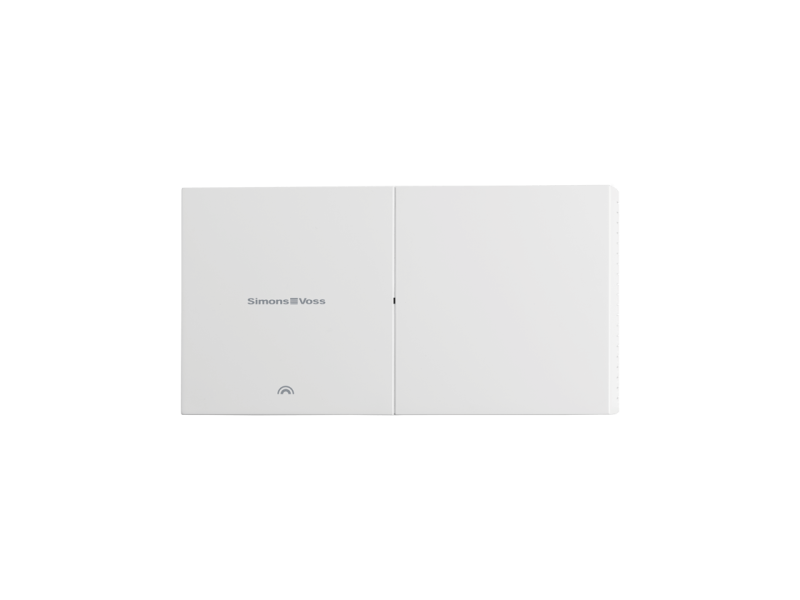
The GatewayNode 2 for SmartIntego is an innovative solution for the seamless conversion of Ethernet signals into the 868 MHz frequency band. With this powerful device, you can optimise your smart home applications and ensure reliable communication between your devices. Main features: - Ethernet implementation: The GatewayNode 2 enables effective transmission of Ethernet data to the 868 MHz frequency, resulting in a stable connection and an improved range - Connection for external plug-in power supply: The device comes with the option of connecting an external plug-in power supply (POWER.SUPPLY.2) to increase the flexibility of the power supply. - Integrated antennas: Both the transmitting and receiving antennas are integrated on the router board, which simplifies installation and ensures a compact design. - Power over Ethernet (PoE) capable: Thanks to the support of the 802.3af standard, the GatewayNode 2 can be supplied with power via the Ethernet cable, eliminating the need for additional power connections.

Info - The card key holders offer a practical method of storing non-contact card keys. Three different types are available. One type has suction cups for attachment to the inside of a windscreen. This means that the card key can be read easily when the user approaches a car park barrier. The other two types have clips that can be attached to items of clothing. The clip version is available in either portrait or landscape format.Installation - Insert the card key into the holder.
Zuko Services DC for the integration of Simons Voss in Paxton Net2 The software enables centralised management of locking components from the company SimonsVoss via the Paxton Net2 interface using a standardised user interface. It can be used modularly and supports both wireless online and the virtual card network. Range of functions / Features: User rights management: Centralised configuration of individual access rights per user, including time slot definition and door assignment. User administration: Creating, editing and deleting users and transponders; fast assignment of rights via central interface. Time zone management: Definition of access periods for user groups or individuals with flexible time control. Individual opening: Option for one-off door opening by authorised users - e.g.E.g. for visitors or temporary service providers. Permanent release: Time-controlled or permanent opening of doors (e.g.E.g. during office hours or for permanently authorised persons). Access times: Management and customisation of daily access times per user and door group. Whitelist function: Local backup authorisation on the end devices for offline operation - up to 250 users can be stored per locking component. Media recognition: Support for Mifare Desfire EV1, EV2, EV3 - either via UID or encrypted coding. Encryption technology: Support of own AES coding rules or use of pre-encoded cards. Alternatively UID-based authentication. Wireless online (WO) support: Real-time communication with Simons Voss components without manual updates. Changes to rights take effect immediately. Virtual Card Network (VCN): Offline-capable access control via authorisations stored on media. Changes to authorisations are updated at the next contact. The use of the middleware requires the purchase of an additional component-related licence for each Simons Voss locking unit to be connected - including cylinders, fittings, locker locks and padlocks